Anonymous asked: Hello Sean I Ask You What Do You Use Vst For Mastering ?? Is Waves plugins Good And Easy To Use And What plugins You Always Use In Mastering ?? And How Can I Make The Kick Hard With The Bassline Like Johnny Juliano Or SuperStar ?? Thank You
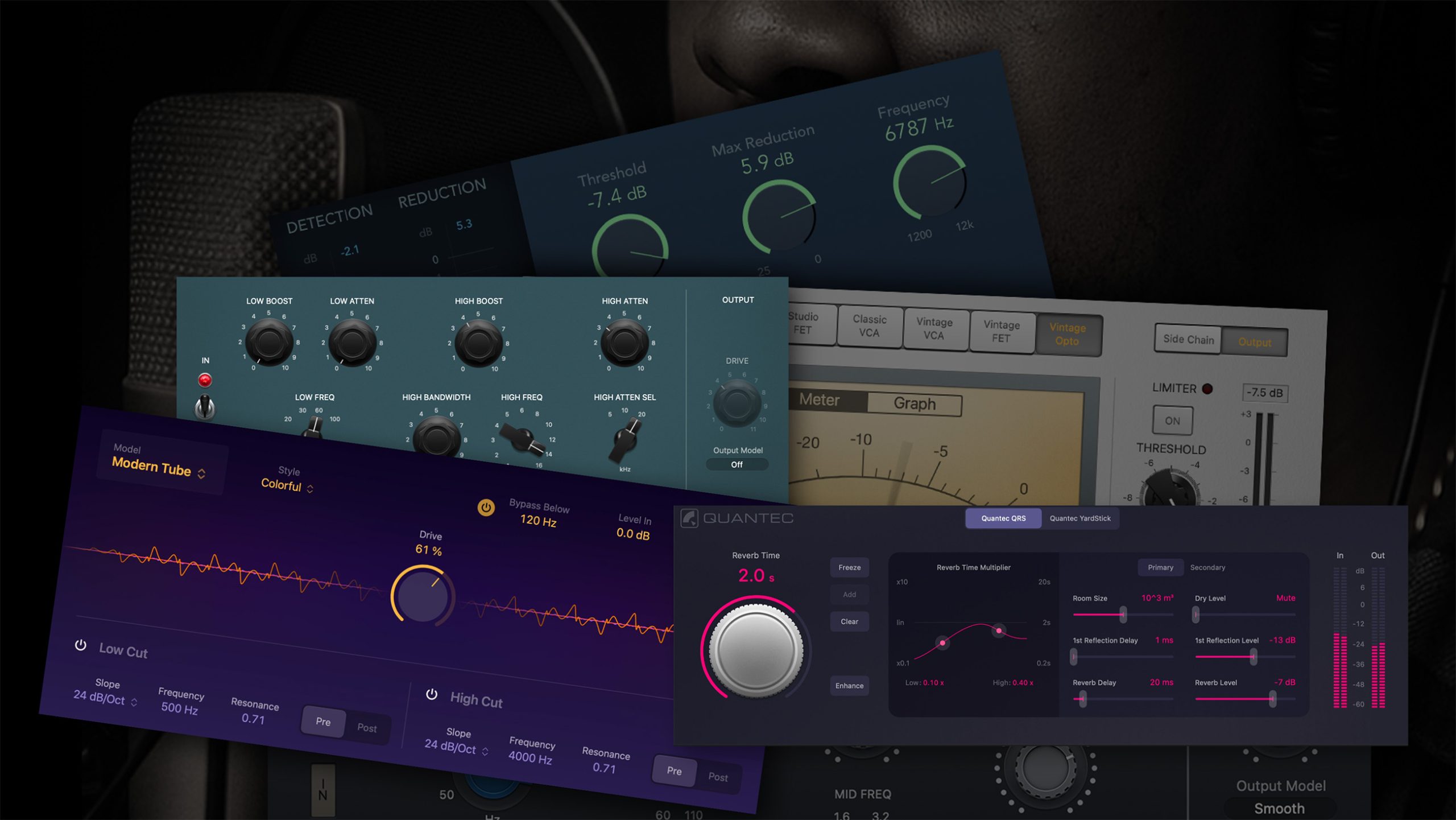
I don’t use a certain plugin for all mastering, my stereo bus chain is usually different every session. I do consistently use Fabfilter Pro-L as a brick wall limiter. I also like to use a saturation plug in w/ some kind of analog characteristic on the master bus to add warmth. Aside from that, a good master EQ and some multiband compression cover it for me.
The Waves plugins are very good for mixing & mastering- the L1 is a good channel limiter and some of the other plugins like RBass, S1 Imager, etc. can liven up a track.
As for the Johnny Juliano/Superstar O kick and bass combo, I will start by saying they are very good at meshing these two elements in the mix. They also use great samples. There is more to it which I’ll cover later but here are a few tips:
1) You need a punchy, extremely fast decay kick sample. There are a ton of them out there, you can create a great sample using any 808 folder. ID Labs has some great 808 samples if you don’t want to create your own: www.idlabsbeats.com. Try using a distressor-like plugin such as Waves TransX to bring out the transients of the kick drum.
2) EQ is crucial to prevent the sub and kick from clashing in the low frequencies. If your kick is hitting around 50-80hz then you’re going to have to roll off some DB so it won’t interfere with the sub that is also sitting in this frequency range. I will go into more detail on my youtube channel…
3) The sub bass needs to be very heavily compressed and in some case distorted. The compression will help it sit better in the mix and you don’t want much (if any) dynamics. If you’ve noticed you can hear these style sub bass sounds without a sub, even on minimal setups like laptop speakers. This is due to distortion being used to add harmonic content. You can use it sparingly for subtle effect or extreme for some unique results.
I have heard Izotope Ozone has many useful tools for mastering built in but I have never personally used it. There is another mastering plugin by IK Multimedia called TRacks that may be of interest. Hope this helps!
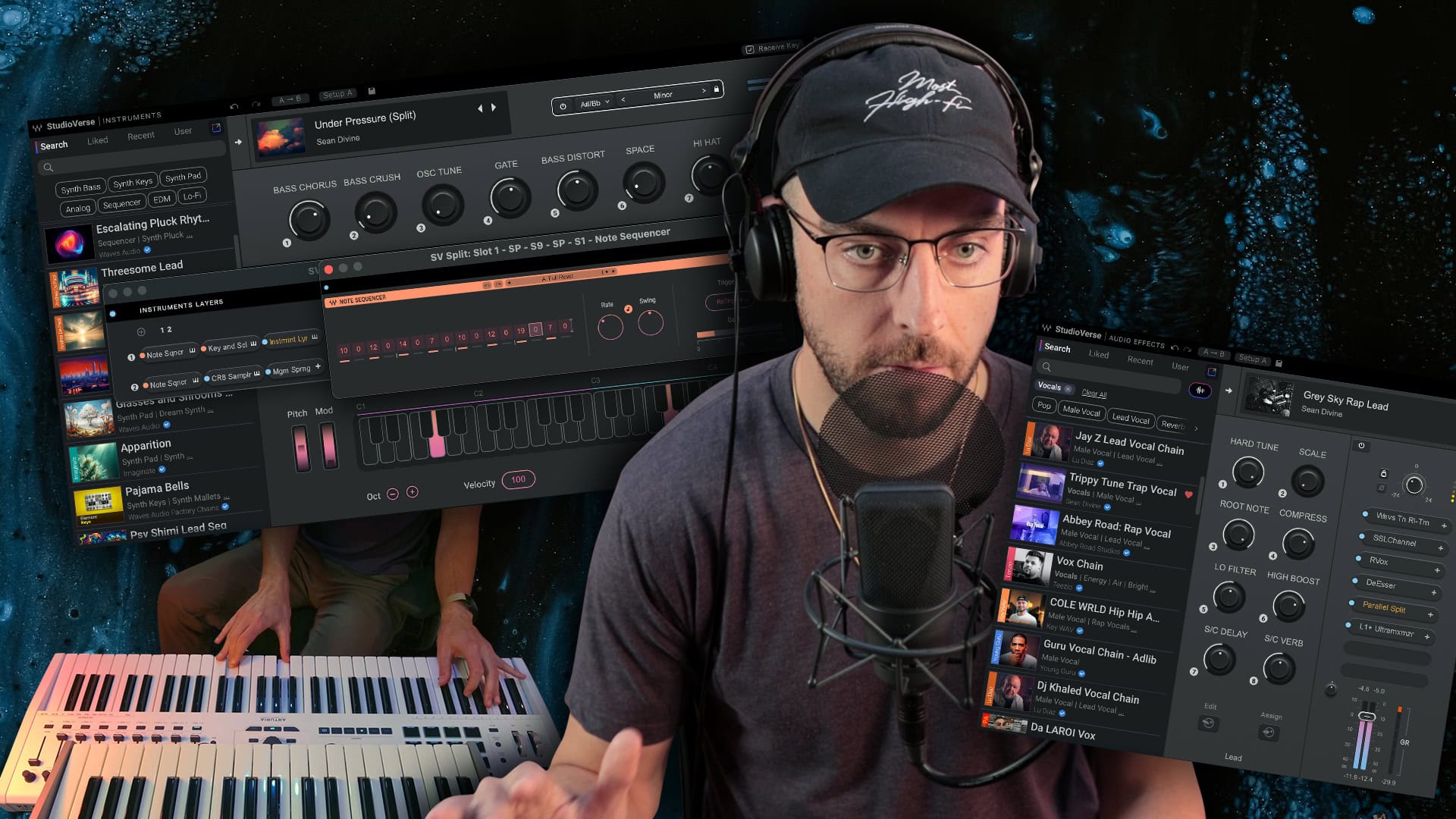
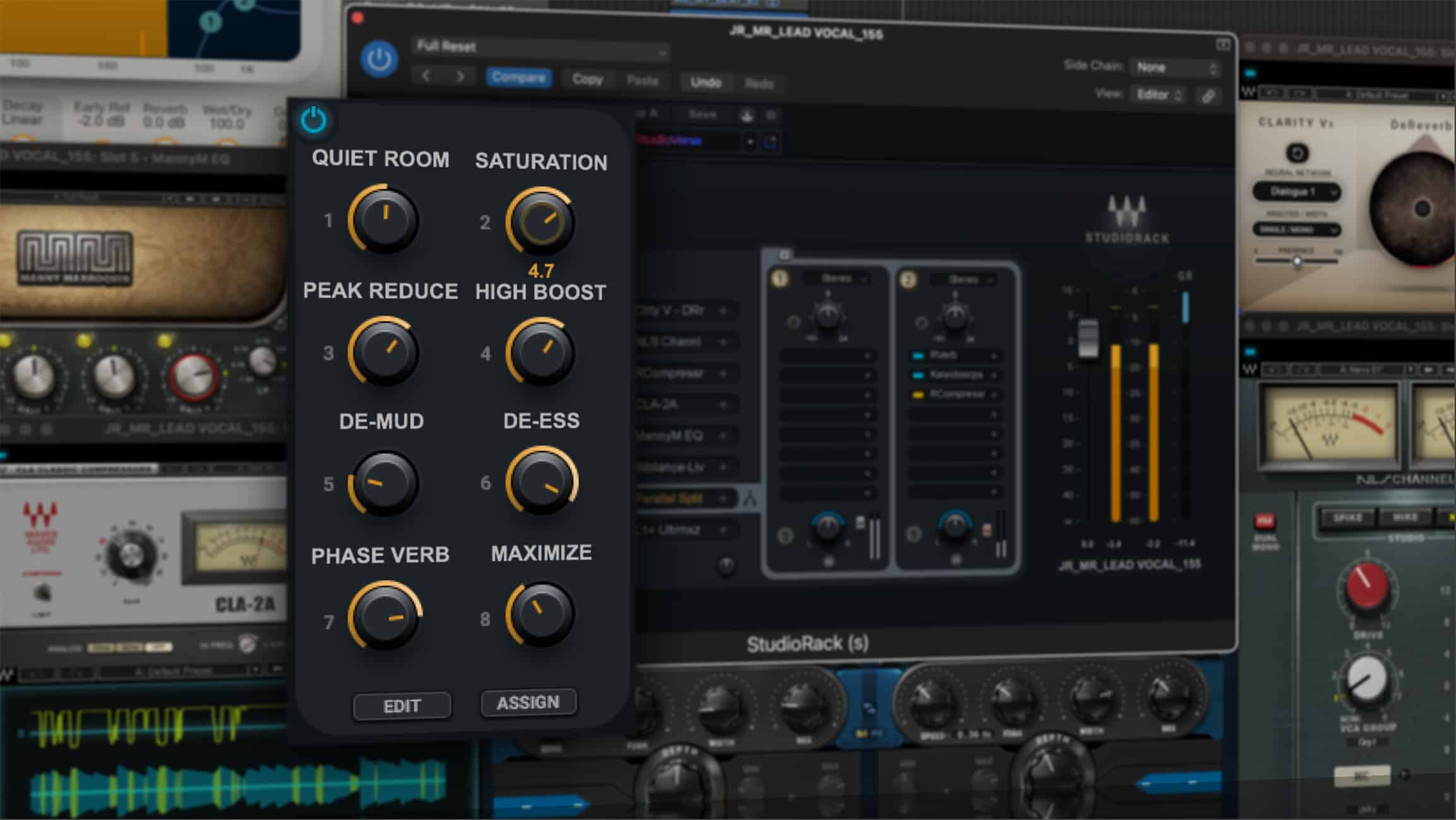
Anonymous asked: Is it possible to give us some compressor, eq, reverb presets for vocals? In pro tools
Here are some presets for a vocal chain using stock Pro Tools plugins: http://www.sendspace.com/pro/dl/9pkqcw
1. SD_Vocal_Comp_Dyn3.tfx (Dyn3 Compressor)
2. SD_Vocal_EQ.3.7.tfx (EQ 3.0 7-band)
3. SD_Vocal_DeEsser_Dyn3.tfx (Dyn3 DeEsser)
4. SD_Vocal_Verb_SHall_Air.tfx (aIR Reverb)
To load the presets, click on the preset menu within the plugin and select “Import Settings”. Once you’ve done this, they will be in your settings folder and can be used at any time.

Again, these are just some starting points- you will need to adjust based on a number of factors. Listen and trust your ears!
Anonymous asked: I've noticed that you place your event studio monitors on the side instead of being up straight. I have a pair of Krk rokits will this damage them if they where and there side? Or can you do this with only certain monitors?
Yes, I do place them on the sides. I find that in terms of height and in relation to where I’m sitting this works best for me.
As far as I know, it won’t affect the speakers in any way. I’ve been using a number of monitors this way in my home studio for years as well commercial studios w/ no issues.
Try placing them on their sides and standing them up. Listen to what works best for you. I prefer to have the tweeters positioned on the outside (both speakers).
Olafur Eliasson, Slow Motion Shadow, 2009
All Hail the Silence (BT + Christian Burns)
“The Looking Glass”